
2.36.24
Group
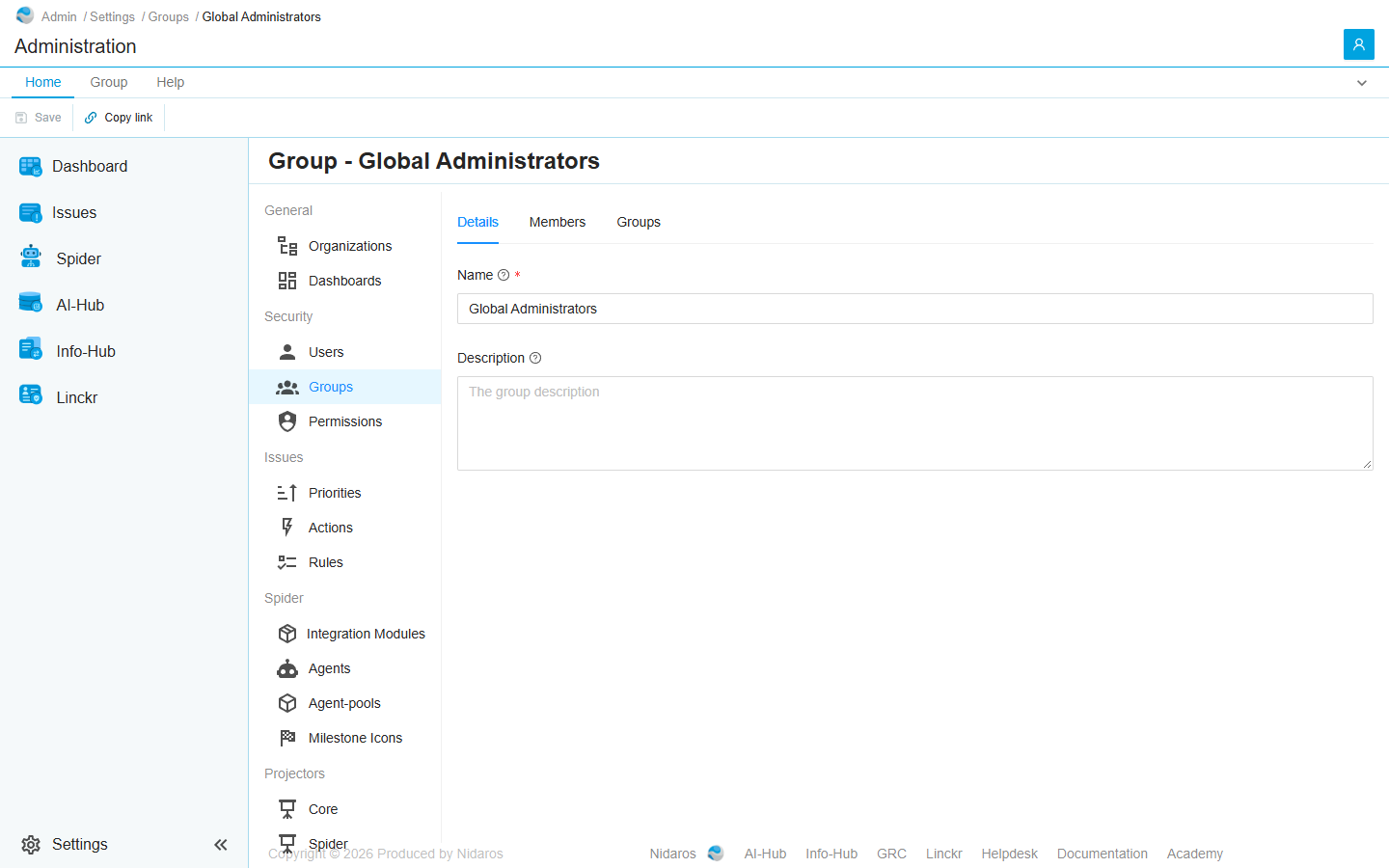
One group: its name and description, its members, and the groups it is in itself. The page has the tabs of an organization's Group page.
It is for Administration's own groups, such as Global Administrators. For an organization's group it shows the details, but no members, and saving or adding members fails without a message. Open the organization and use its own Group page for that.
How to get there
- From Groups: double-click a group, or select it and click Open.
- From a user's or a group's Groups tab, or a group's Members tab: open a group listed there.
Permission
The page needs what Groups needs. Changing the group, and Add members and Add to group, need Add and change groups; Remove needs Delete groups and remove members. Full access allows them all. Without them, the details are read-only and the commands are not shown. See Permissions.
Tabs
The page opens on Details. Its tabs don't show in the page's address, so a link to the page always opens on Details.
Details
- Name: the group's name.
- Description: what the group is for.
Change them and click Save.
Members
The group's members, users and groups, by Name. Add members adds users of Administration, or groups; Remove takes the selected member out, after asking (Are you sure you want to remove this membership?). Double-click a member to see their page.
Groups
The groups this group is a member of itself, with their organization. Add to group makes it a member of other groups of Administration; Remove takes it out of the selected one, after asking.
Commands
| Tab | Group | Command | What it does | Disabled when |
|---|---|---|---|---|
| Home, Group | Save | Save | Saves the name and description. Details only. | Nothing has changed (Nothing has changed), or the name is empty (Some fields are empty or not valid). |
| Home, List | New | Add members, Add to group | Adds members (Members), or adds this group to other groups (Groups). | |
| Home, List | Open | Open | Opens the selected member's or group's page. Members and Groups only. | Nothing is selected. |
| List | Open | Open in new tab | Opens it in a new browser tab. Members only. | Nothing is selected. |
| Home, List | Manage | Remove | Takes the selected member out of this group, or this group out of the selected group, after asking. Members and Groups only. | Nothing is selected, or you may not remove this one. |
| Home, List | View | Refresh | Reads the list again. Members and Groups only. | |
| Home | Share | Copy link | Copies the link to this page. |
When the group changes elsewhere
When someone else changes the group while you have its page open, the page shows the new values. When someone deletes it, the page says so, with a link back to the list. See Changed elsewhere.